Tags keep the right things in front of you at each store. Store chips sit under the title. Tap one to see just that store, and items with no store show under Anywhere, so you never lose them.
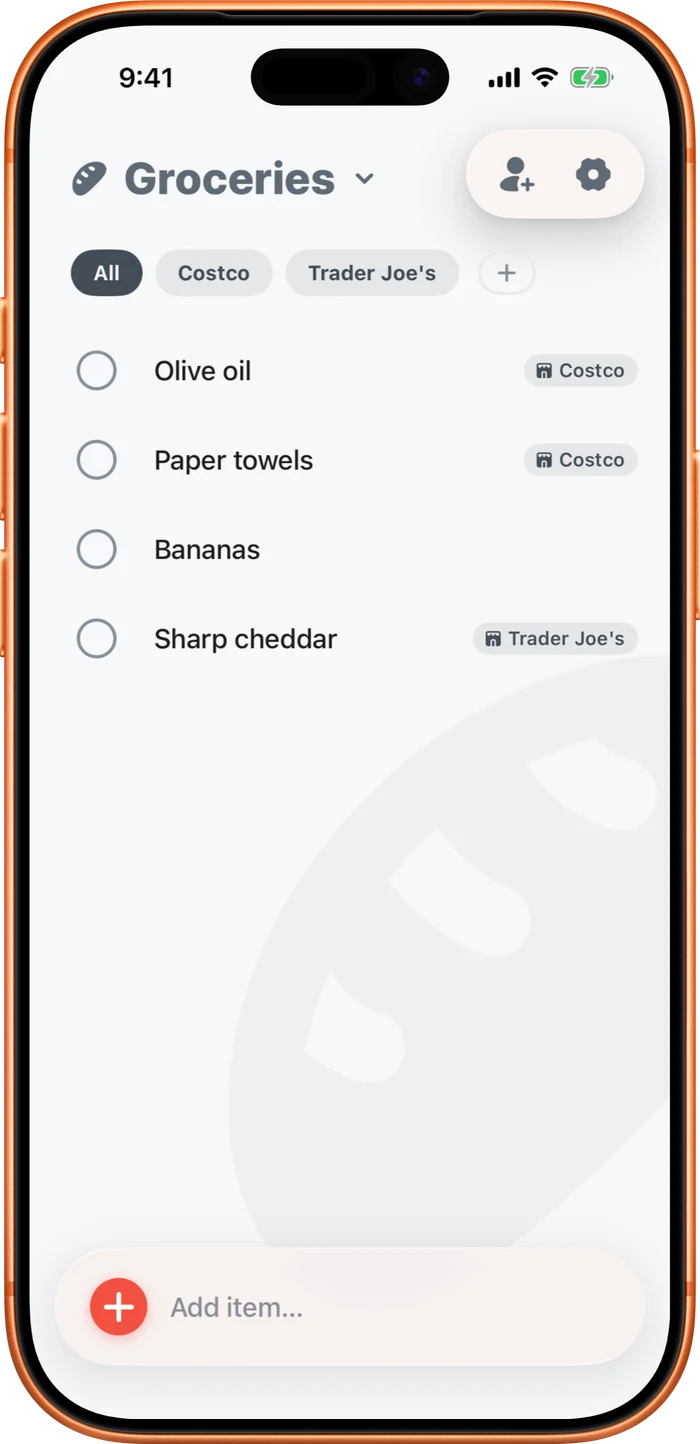
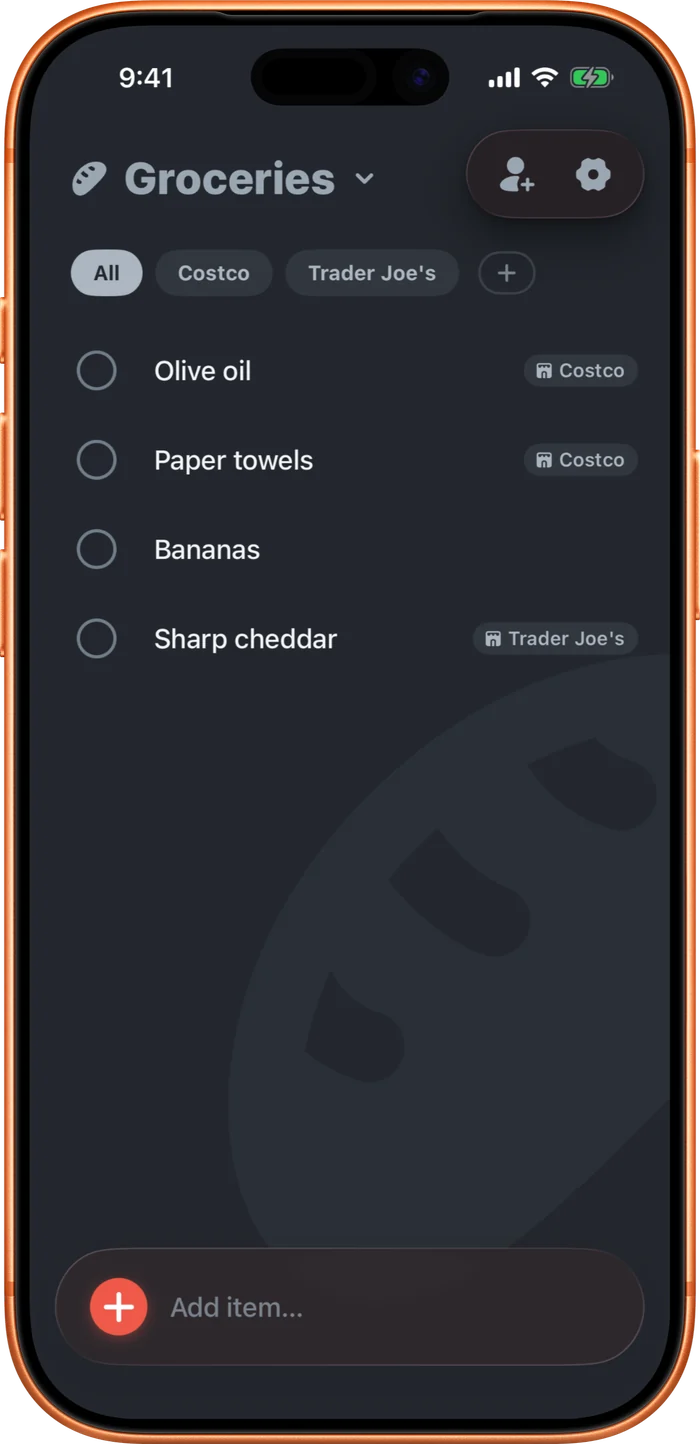
While a store is selected, anything you add gets tagged to it. Add your stores from the + menu, or in This list settings under Where to buy. Tap a store there to rename it, or swipe to delete it. Deleting a store just sends its items back to Anywhere.
- Tap an item and choose where to buy it.
- Or type it as you add: "milk from Costco." See "Type from or at to tag a store."
On a task list, these are Tags instead of stores.