Most of what you add starts here. Type a few letters and Stores suggests items you've added before, plus common groceries. Tap a suggestion to add it, or press return to add exactly what you typed. The keyboard stays up, so you can keep going.
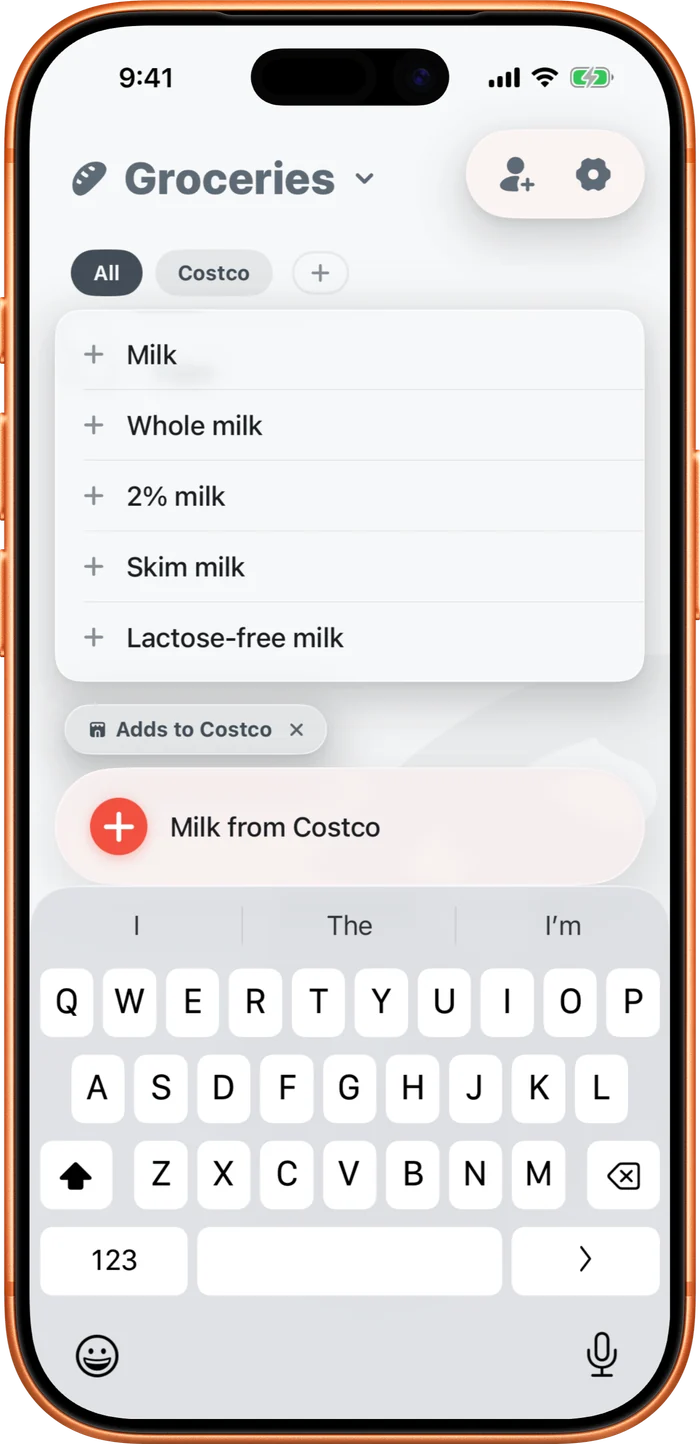
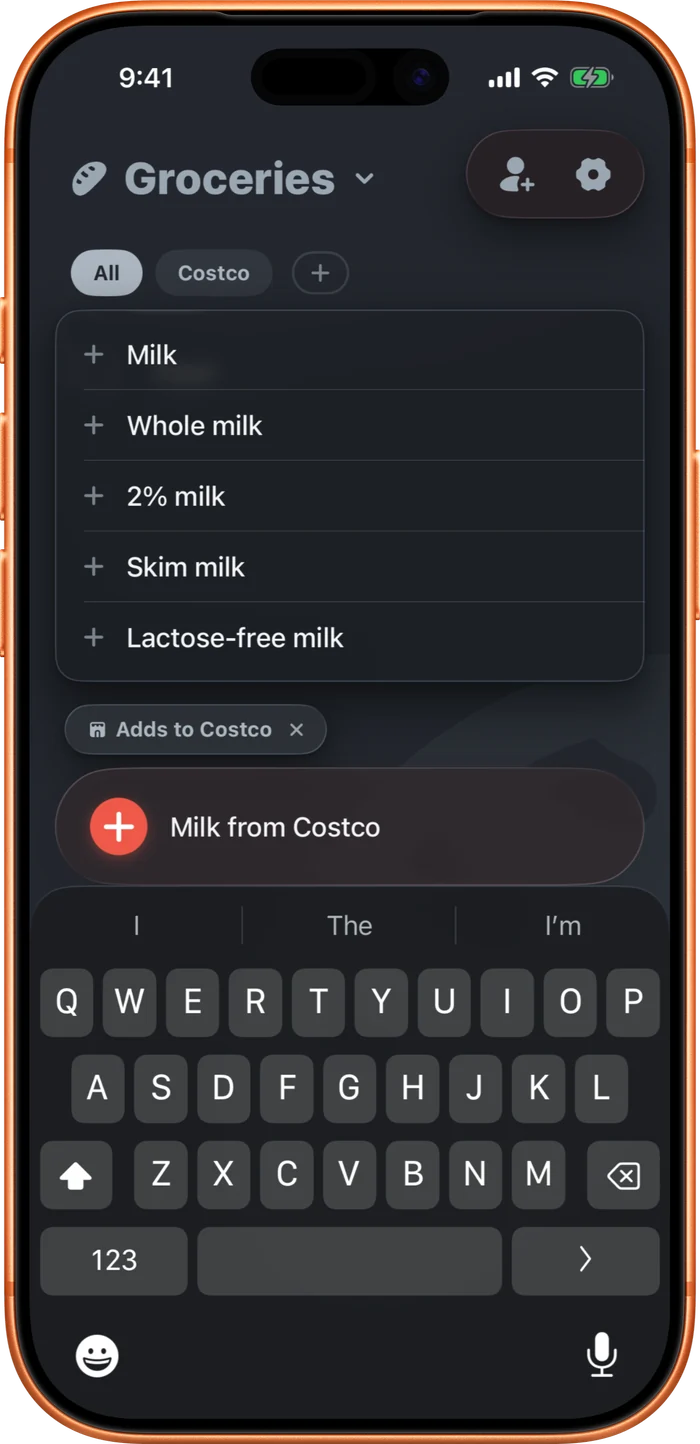
Tap the empty field to see what you buy most, under a "Frequently added" heading. With the field empty, the + button holds the other ways to add: with the camera, on a repeat, or tagged to a store. Once you've typed something, + just adds it. You can also tag a store as you type, in "Type from or at to tag a store."