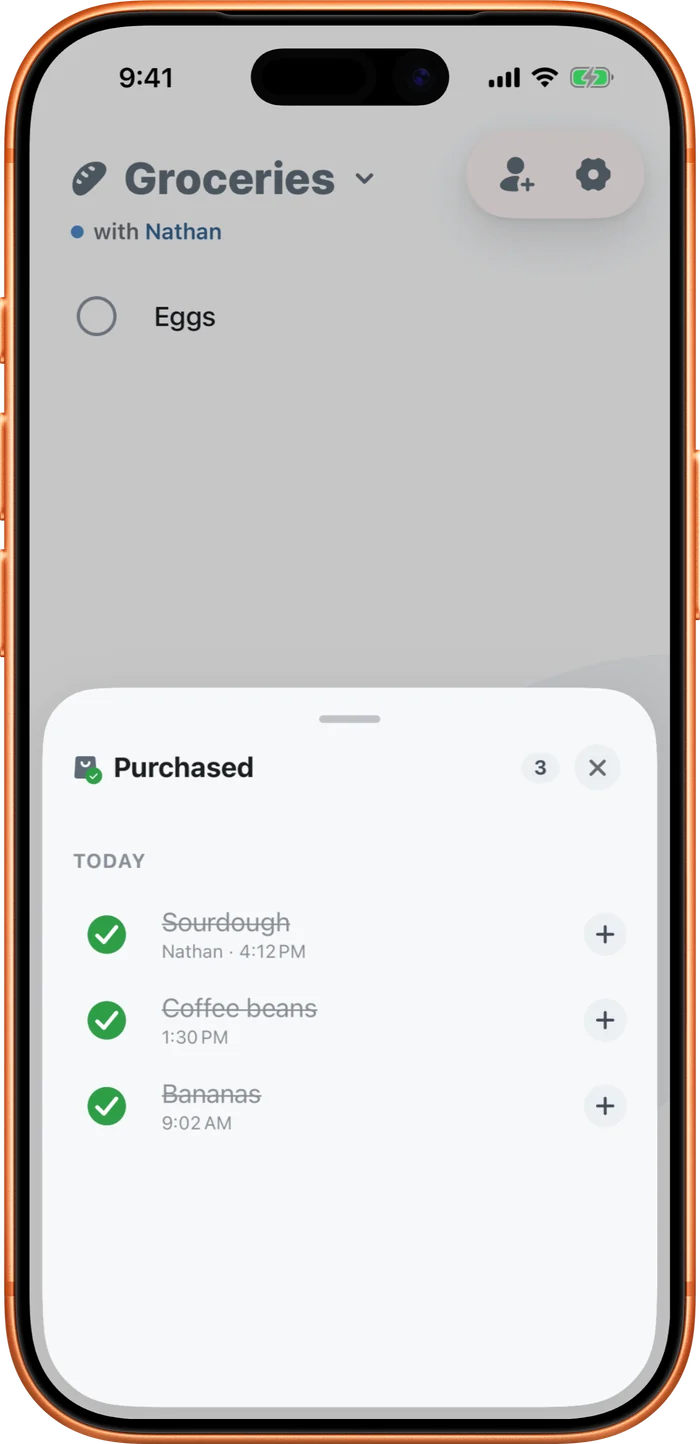
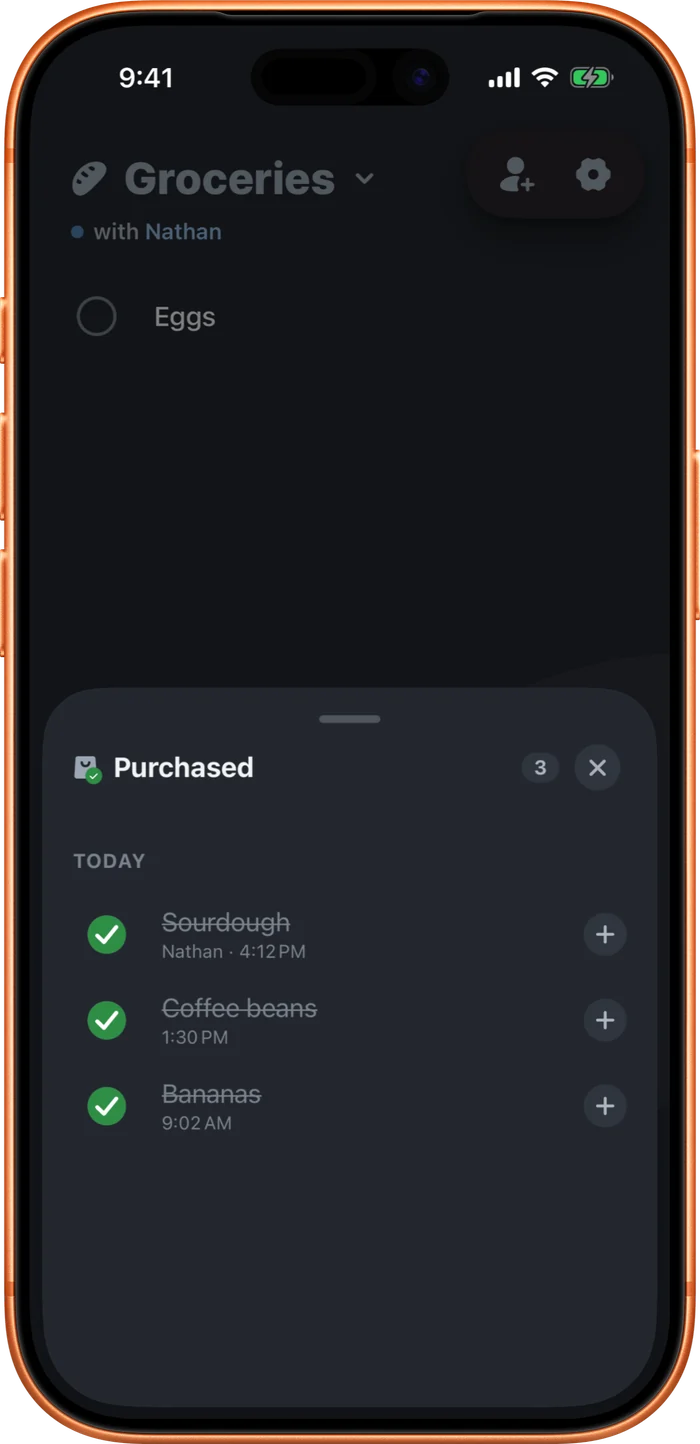
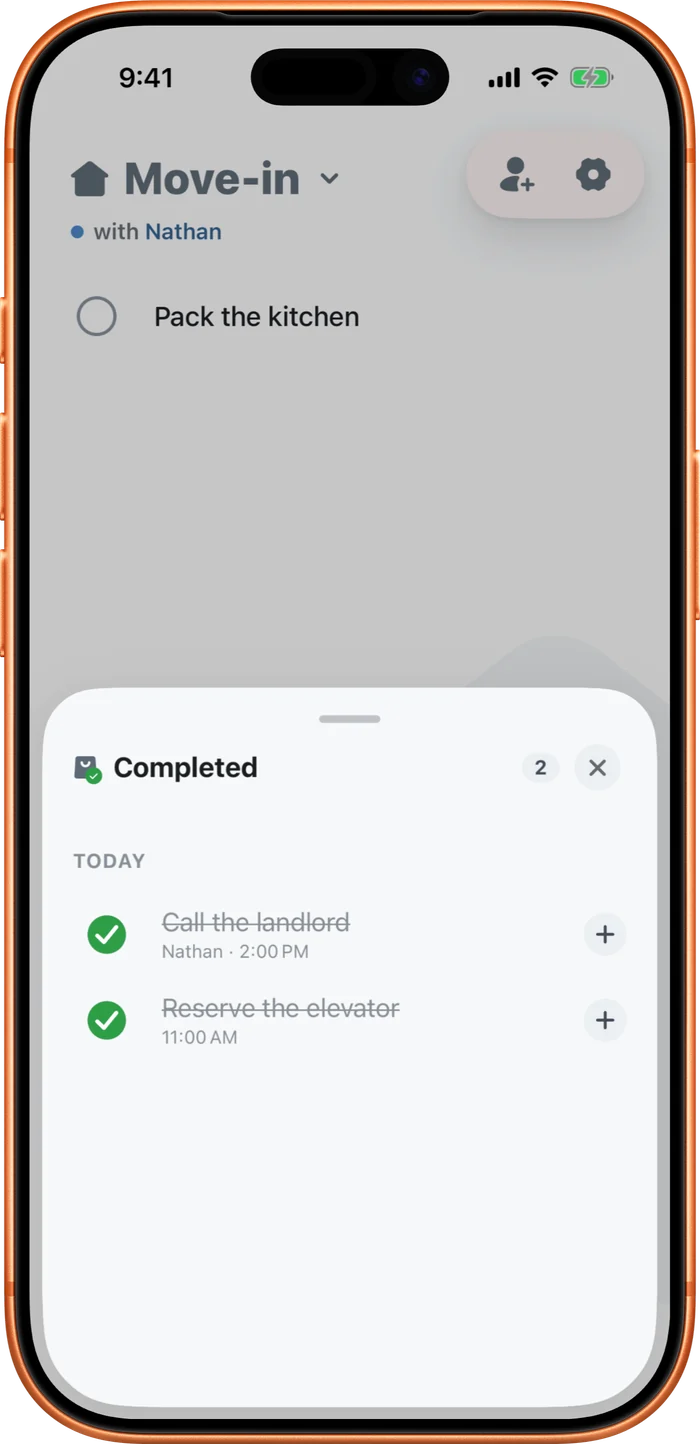
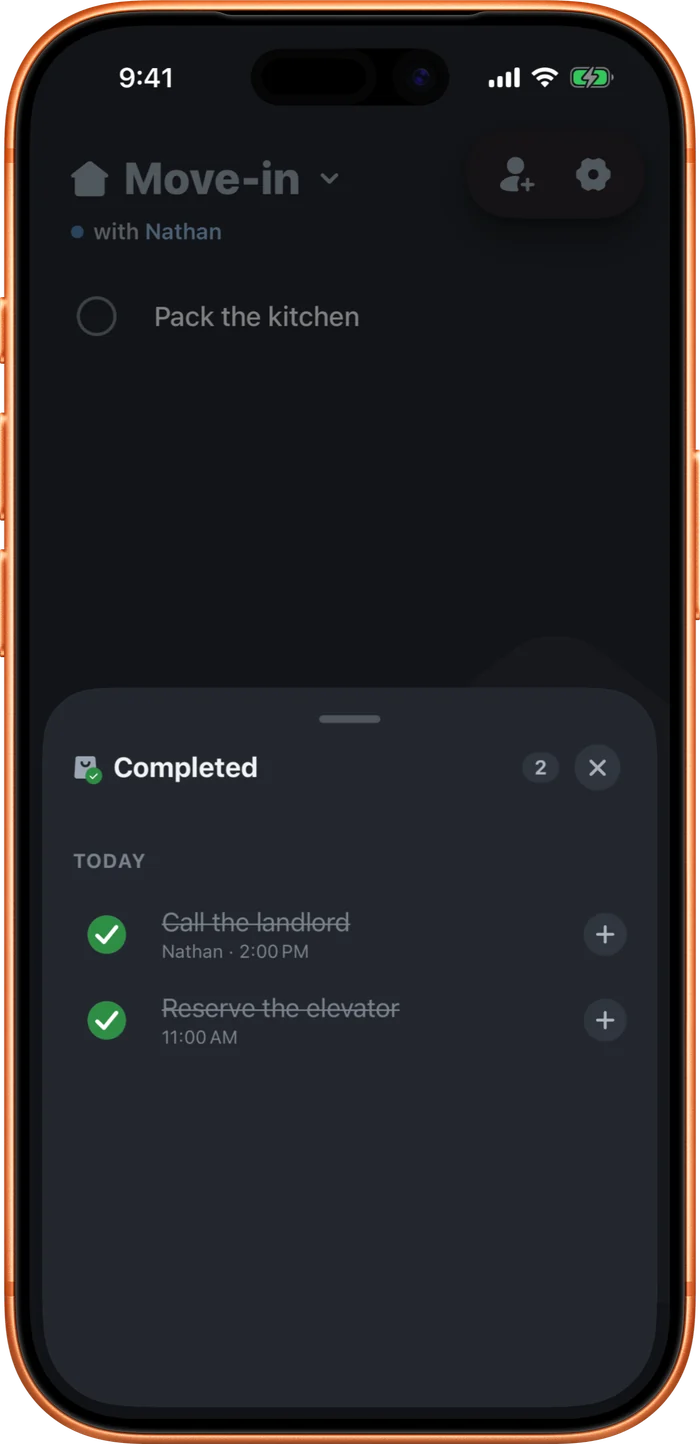
Check something off and it moves into the circle beside the add bar. It reads Purchased on a grocery list, Completed on a task list. Tap the circle to open the tray. Tap an item there to add it back to the list, or tap its filled circle to put it back where it was. Checked-off items are kept for 90 days, then removed.
Right after you check something off, an undo bar slides up for about ten seconds. The same bar appears when you delete a row. Tap it to undo, or swipe it away to keep the change.
Deleted items aren't gone either. They drop into Recently deleted inside that same tray, kept for 30 days. Tap one to restore it, or swipe to remove it for good. Your partner sees the same set.