Stores

Tap an item

One place for everything about an item.

Tap any item to open it. From there you can rename it, set a due date, choose where to buy it, make it repeat, and leave comments. On a task list you can also assign it to one person.
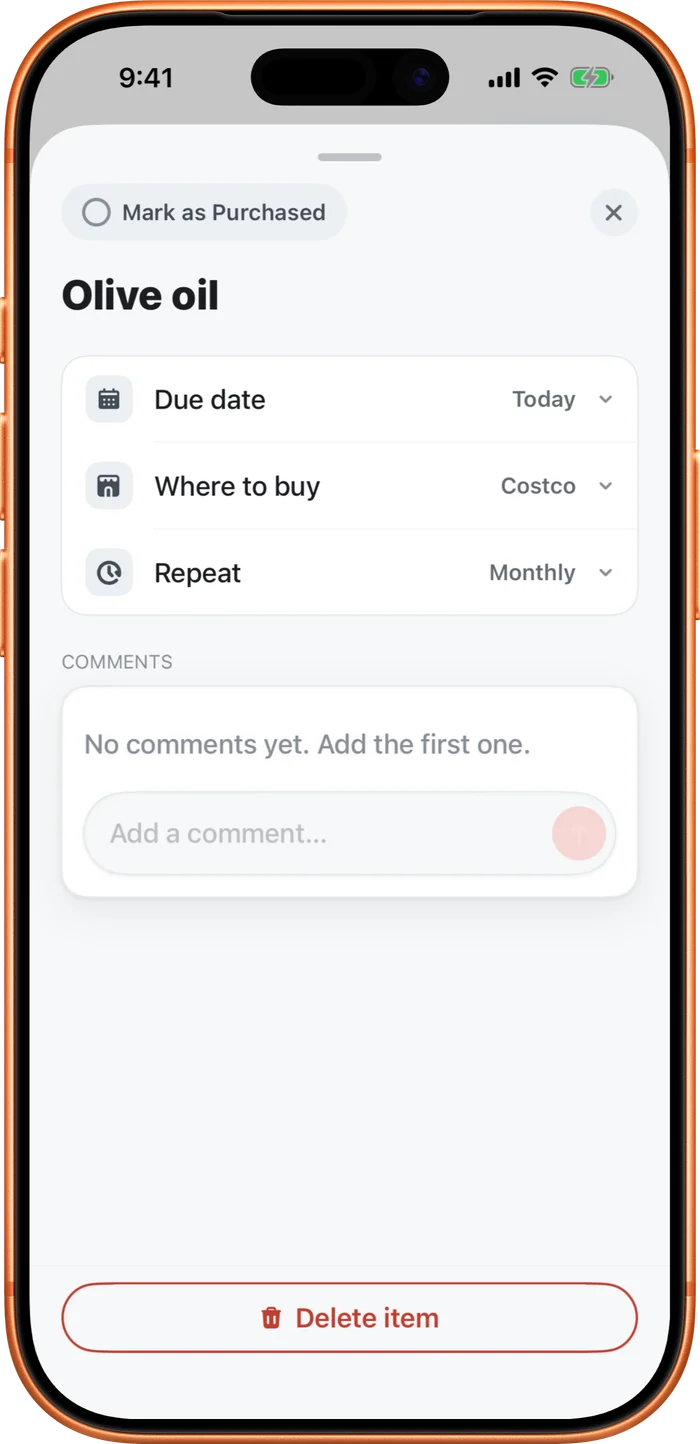
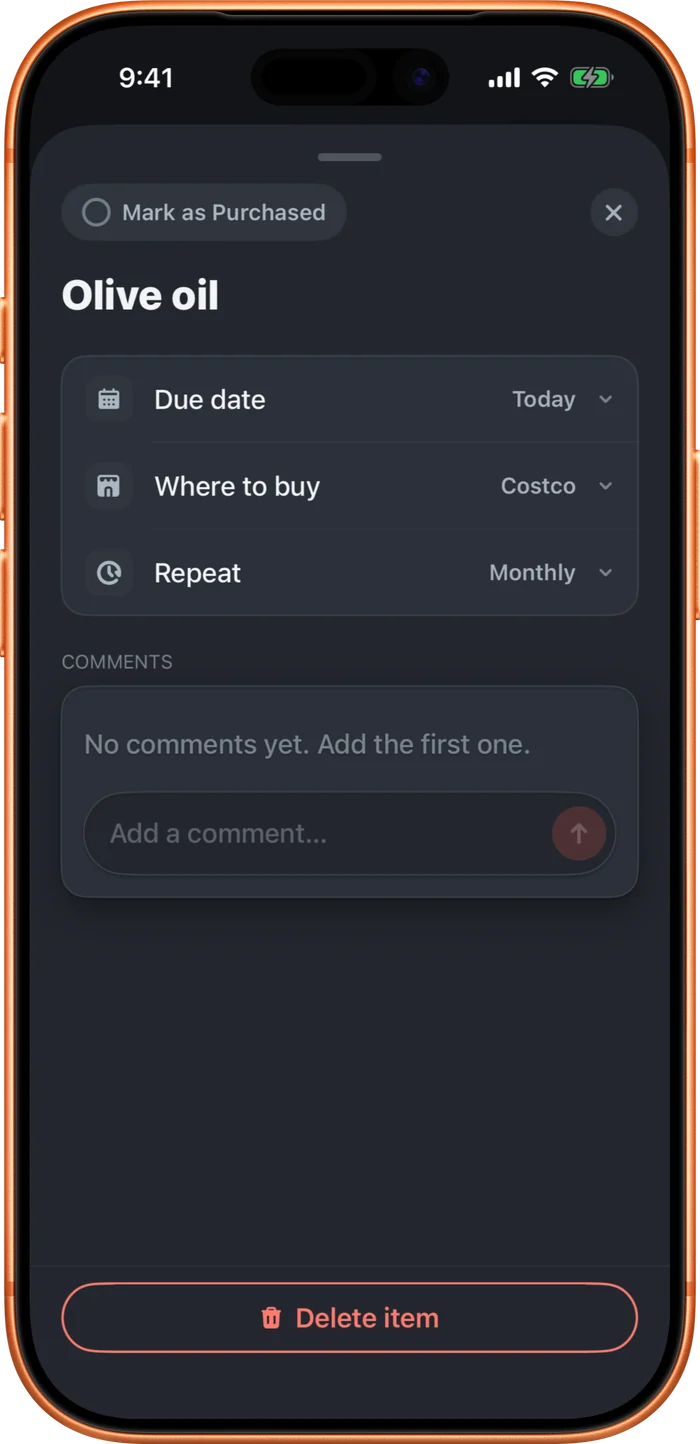
The item detail tray: a Mark as Purchased button, the item name, rows for Due date, Where to buy, and Repeat, then Comments.
One panel for everything about an item

It's the same panel every time, so you always know where to look. You can mark it done or delete it from here too. Just want to remove something fast? Swipe the row instead.

Still need help?

Feedback or a bug. A real person reads every message, usually within a day or two.

Start your list.

Free to use. Add your partner whenever you’re ready.

Privacy PolicyTerms of UseHelpWhat’s newContact© 2026 defrictionMade in Oregon.