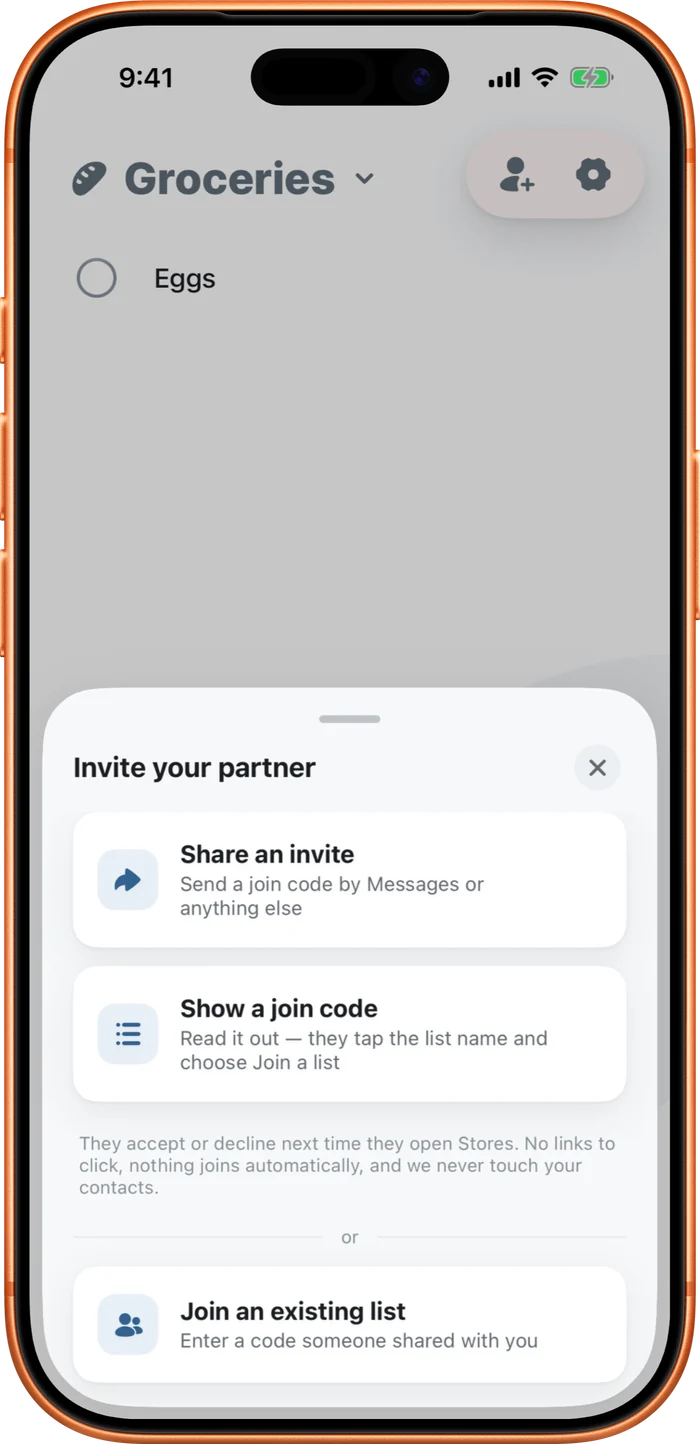
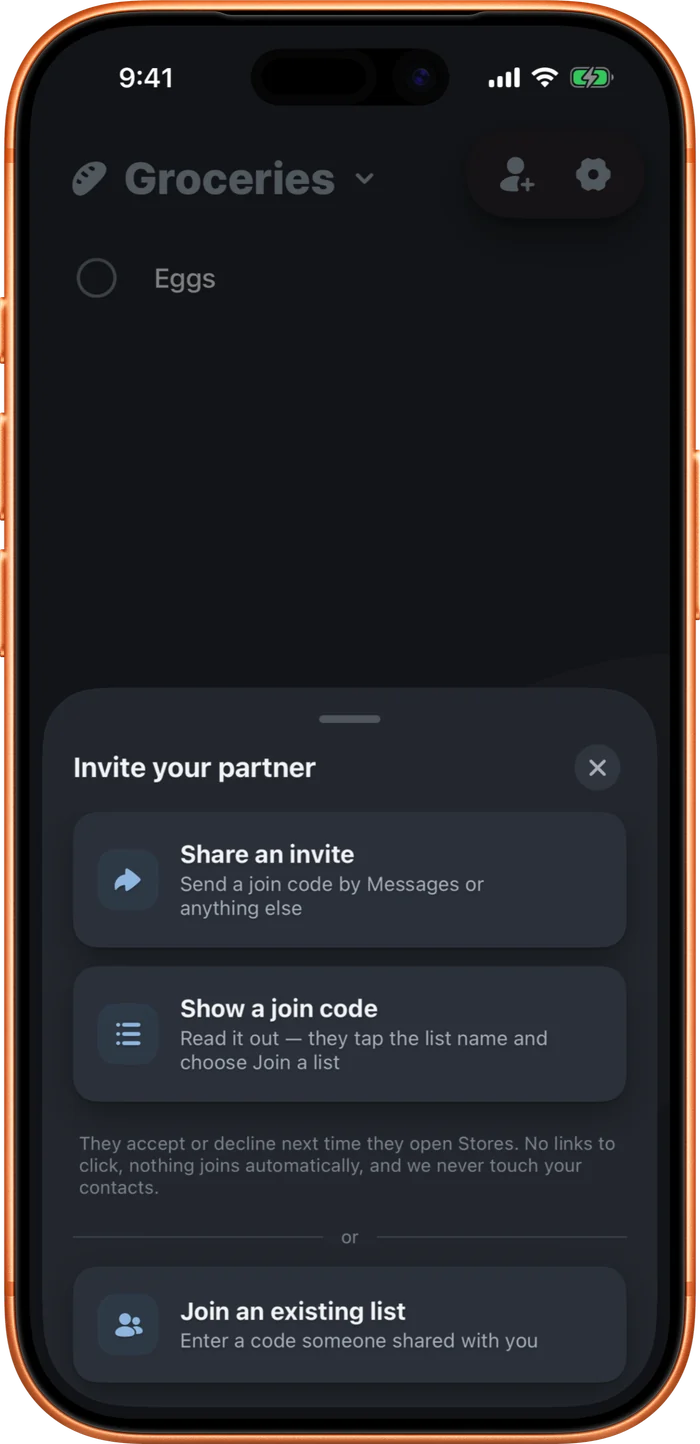
Invite someone and you both see the same list as it changes. Tap Invite at the top, or open Settings and tap Invite to this list.
Joining is always free; only the person sharing needs the upgrade. It's covered by Family Sharing, and Stores never touches your contacts.
- Tap Invite at the top. You'll sign in first if you haven't.
- Share the invite, or read out the join code.
- They tap the list name and choose Join a list (or, on their first screen, "Have an invite code? Join a list"), enter the code, and tap Accept.