Groceries, hardware, the beach trip. Each can be its own list, and any list can become a task list.
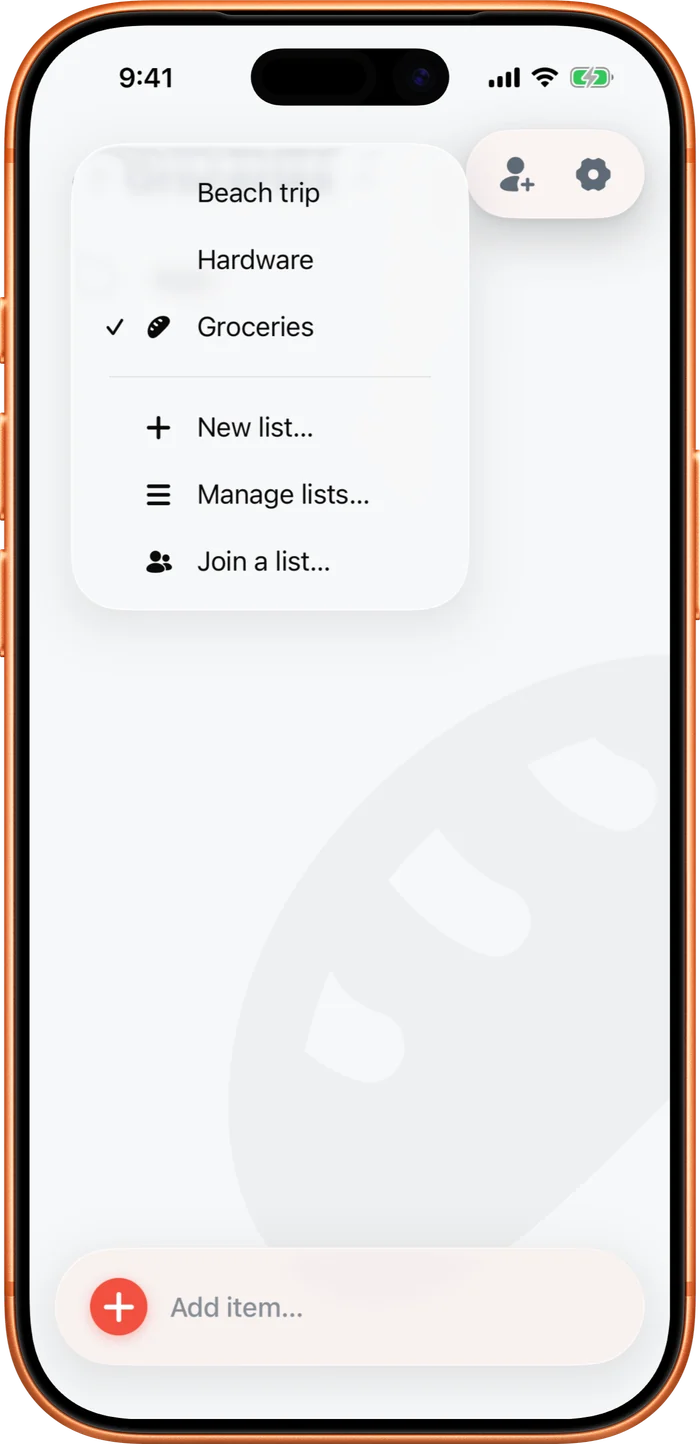
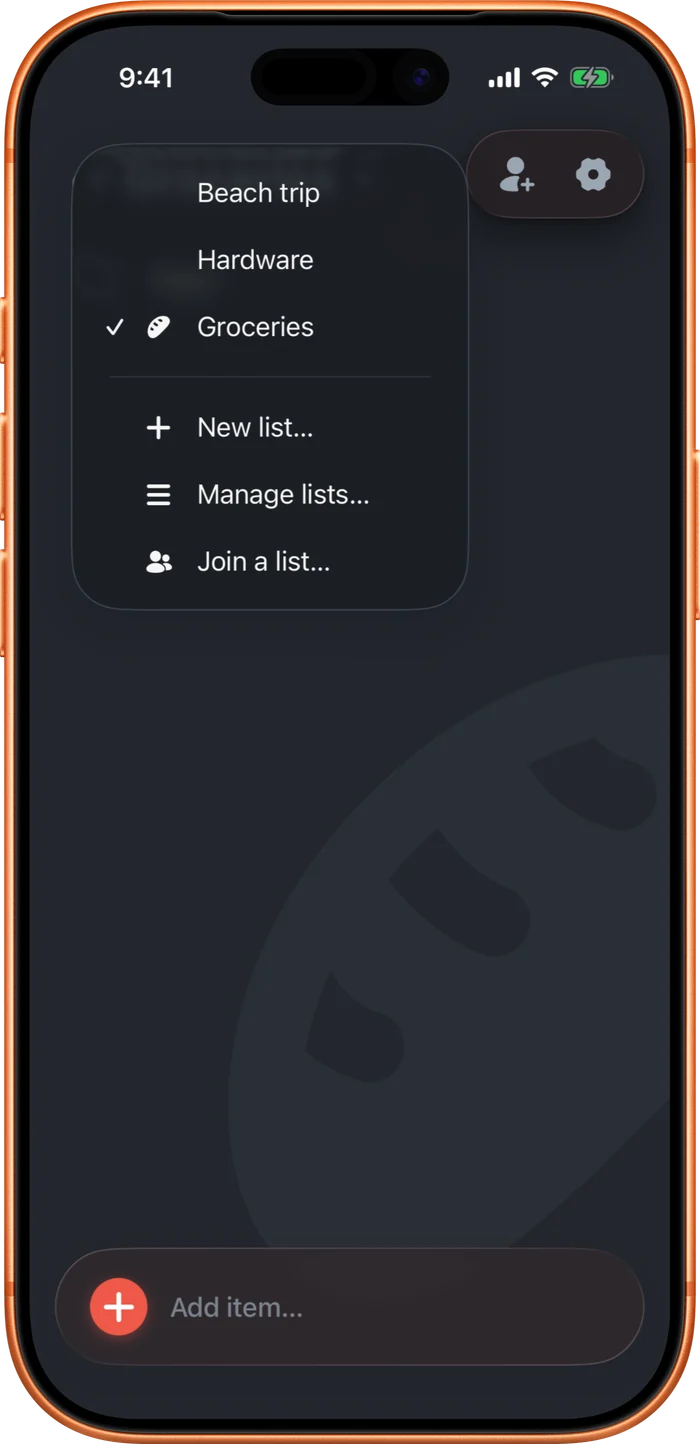
Tap the list name at the top to switch, start a new list, or join one. A dot on the name means another list has something new, like a comment or a task someone assigned to you since you last looked. Touch and hold in Manage lists to reorder them. Your order is yours and won't move your partner's.
To remove a list, open This list settings. A list that's just yours shows Delete and removes it for good. A shared list shows Leave instead, so you come off it and your partner keeps it.