Every list can have its own color and icon. Set them when you create the list, or later in This list settings. Both are free.
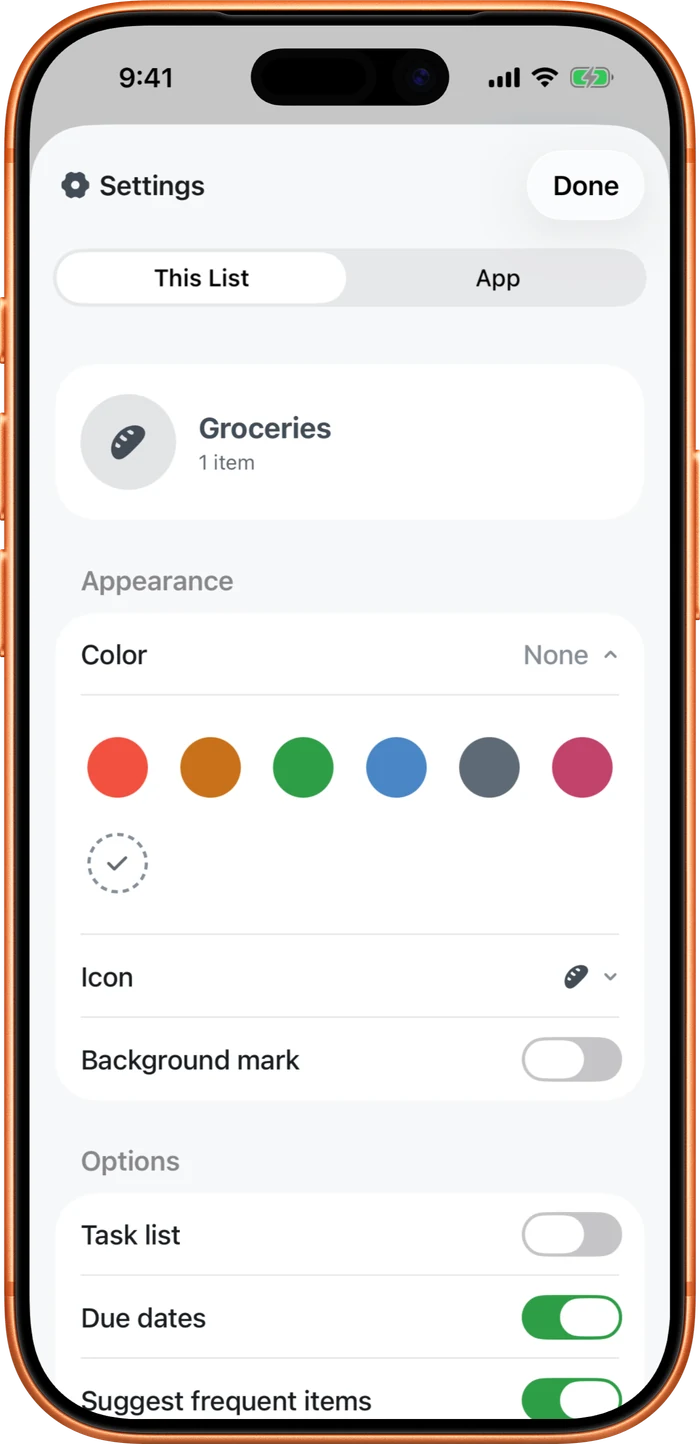
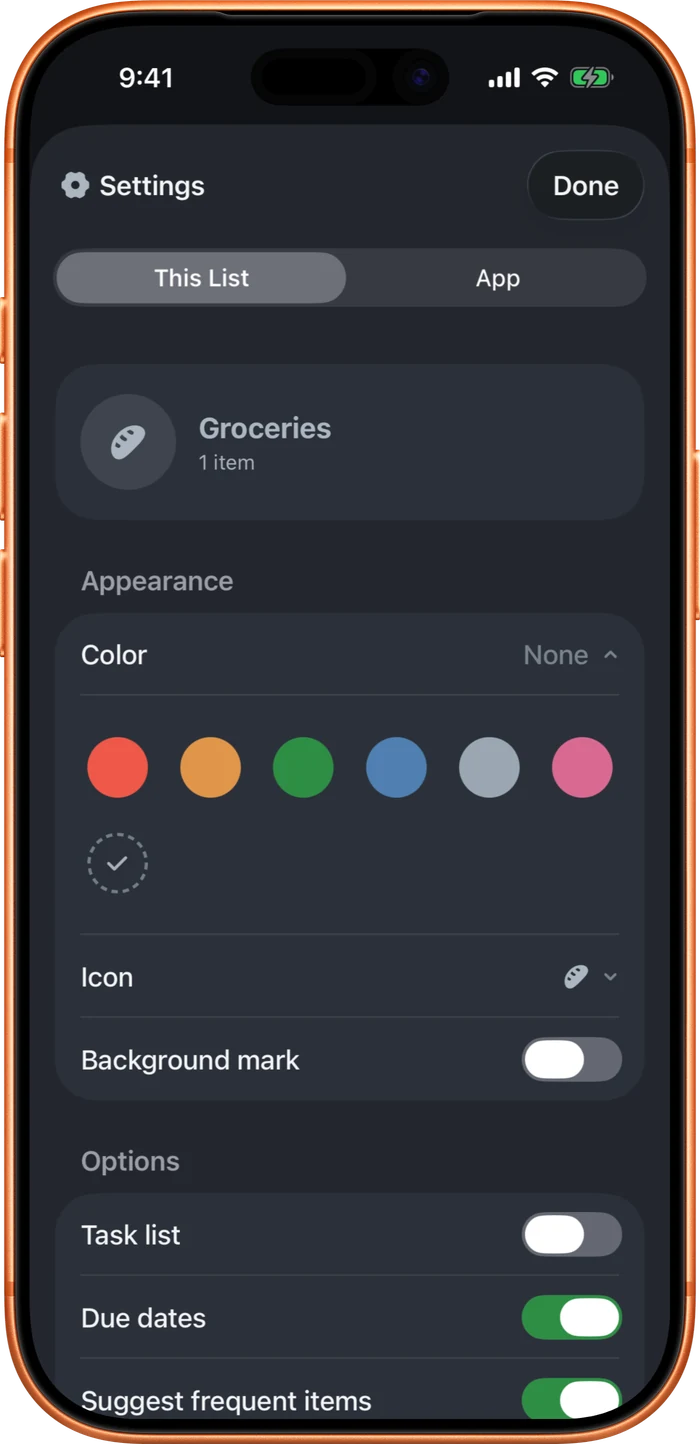
In This list settings, Color, Icon, and the Background mark sit together under Appearance. Tap Color or Icon to choose one. Turn on Background mark to show the list's icon softly behind your items. Pick a color and the app's buttons match it too, so the whole list feels like yours.
Prefer light or dark? Set System, Light, or Dark under Settings, App, Appearance. That's free too. Color, icon, and the background mark are shared with your partner; appearance is per device. Want a different app icon on your home screen? A few come with the upgrade, under Settings, App, App icon.